Lead and request handling
AI reads incoming requests, classifies by type and priority, routes to the right CRM channel, generates a welcome reply. The manager sees a ready card with tags.
AI · Business Process Automation
I integrate AI into your routine business processes: lead handling, content, analytics, email broadcasts, customer replies, and inter-system integrations. Modern stack – Claude, OpenAI, Make – assembled to fit a specific task. AI saves hours of routine work every day and costs less than an assistant's salary.
Suitable for any routine operation on text, data, or template-based decisions. Below – 6 typical scenarios, each can be implemented as a standalone project or in combination.
AI reads incoming requests, classifies by type and priority, routes to the right CRM channel, generates a welcome reply. The manager sees a ready card with tags.
Product descriptions, social posts, email campaigns, blog drafts. AI writes drafts in your style and brief, a human reviews and publishes. 5-10x faster than manual copy.
Chatbot trained on your data via RAG. Answers from your real documents – not generic phrases. Complex questions are escalated to a human.
Summarising large text volumes, finding insights in reviews, automated sales/correspondence reports. Once a week – a ready digest in Telegram.
Smart replies to routine requests, personalised broadcasts, spam filtering and email prioritisation. AI understands context – not just templates.
Linking CRM, messengers, email, databases, spreadsheets via AI logic. When classic no-code tools can't handle it – we write a custom handler.
Case study
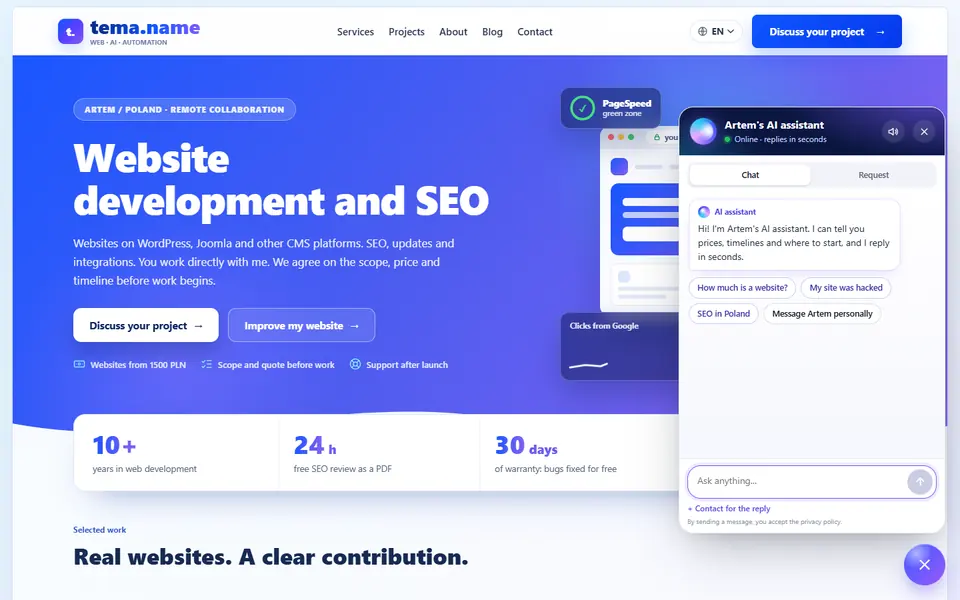
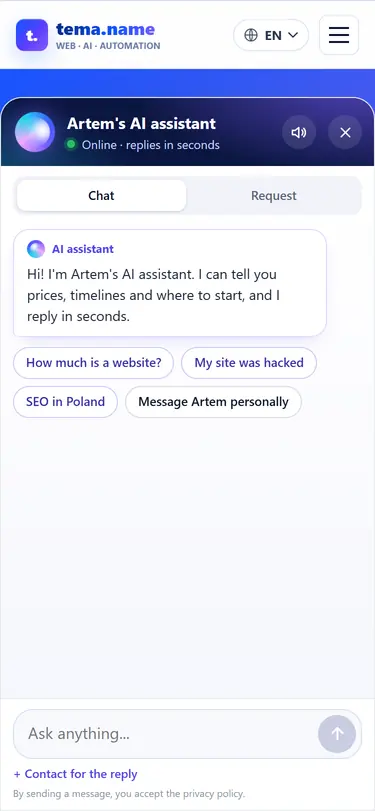
The assistant runs in the chat on every page of tema.name: open the case study or ask the chat a question right now.
AI assistant · Telegram · 5 languages
Answers only from published services and prices, checks amounts in code and passes enquiries to Telegram.
Implementation complexity depends on the number of systems, data volume, and requirement clarity. Exact quote follows a short brief.
1 process
One scenario – for example, auto-replies to leads or product descriptions.
What's included: Script, prompt, integration with one system, tests on 50-100 examples.
2-3 processes
System chain: e.g. lead → CRM → AI-reply → email notification.
What's included: Multi-step Make flow, 2-3 integrations, monitoring.
trained on your data
Chatbot or assistant that knows your documents, FAQ, price list.
What's included: Data indexing, vector DB, prompt engineering, tests on real questions.
multiple systems
End-to-end process with several AI steps and integrations.
What's included: Architecture, scripts, agents, dashboards, docs, team training.
* Exact quote – after a short brief. Or start with a free SEO-review – I'll send a PDF showing where AI will give the most effect in your project.
Modern AI stack with reliable models and proven orchestration tools. Chosen per task – no heavyweight solutions where simple ones suffice.
Claude (Anthropic) and GPT (OpenAI) – primary. For fast tasks – Haiku or GPT-mini, for complex – Sonnet or GPT-4. Optionally – local models.
Make.com for no-code flows. Custom scripts in Python and Node.js for non-standard logic. Zapier on request.
Pinecone, Qdrant and Weaviate – for agents with memory and search across your documents. For small projects – ChromaDB locally.
CRM (Bitrix24, AmoCRM, Pipedrive, HubSpot), messengers (Telegram, WhatsApp), email, Google Sheets, databases – via API or webhooks.
Your VPS, your cloud account, or my server with handover on request. Docker for reproducibility. Sentry for monitoring.
API keys in a secure vault, least-privilege access, "do not train model on your data" option. NDA on request.
We start with one process – quick pilot, then extend to new scenarios. This removes the risk of "spent months, got no result".
I learn your process: what's done now, how much time it takes, what outcome you want. I identify the bottleneck where AI gives max effect.
Description in plain language: inputs, steps, outputs. We agree before going into code – to avoid wasted work.
Minimum working version in days. We test on 50-100 real examples. If AI errs – we tune the prompt.
Connection to production, monitoring setup, human-fallback if AI isn't sure. I train your team to use it.
First 30 days – free bug fixes plus one list of up to 10 minor edits. After – hourly or retainer. As new scenarios appear – we expand the system.
AI automation works best linked with a website and a bot: the site brings clients, the bot processes them, AI speeds up routine.
Not finding yours? Ask in the website chat: I respond with specifics within a few hours.
Almost any routine text, data or template-based decision: lead processing and CRM routing, generating product descriptions and social media posts, email summarisation, classification and tagging, answering common customer questions, translation and content adaptation. AI is not suitable for unique creative tasks and critical decision-making – those still need a human.
It depends on the number of processes, data volume and integrations. Simple automation of a single process – faster and cheaper. A complex link of several systems – longer and more expensive. The exact quote follows a short brief. To get a guideline – order a free SEO-review: I'll send a PDF outlining what can be automated in your project and the expected effect.
Main models: Claude (Anthropic) and GPT (OpenAI). For orchestration – Make.com, or custom scripts in Python/Node.js. For agents with memory – vector databases (Pinecone, Qdrant) and the RAG approach. Hosting and deployment – your infrastructure or my VPS. All API keys and access stay with you.
Data never leaves your infrastructure without your knowledge. For sensitive tasks we use API with the "do not train model on data" option enabled (Anthropic and OpenAI support this). Local models can also be deployed – then data doesn't leave at all. Before starting, we discuss the data handling policy and sign an NDA if needed.
Yes. Every scenario is documented: what each step does, inputs and outputs, how to add a new process or change a prompt. If an AI agent stops answering correctly – you can add an example to the training set yourself or ask me. The bot doesn't "break" without me – it keeps running on the rules we set.
In 2026 Claude and OpenAI API costs are cents per million tokens. For most SMB tasks – that's $5-50 per month on API. Cheaper than an assistant's salary for the same routine. If volume is large – we optimise prompts or use cheaper models like Haiku or GPT-4o-mini.
Yes, via the RAG approach (Retrieval-Augmented Generation). Your documents, FAQ, internal instructions, past correspondence are indexed into a vector database. When AI receives a question, it finds relevant chunks and answers using your context. It's more reliable than fine-tuning and doesn't require retraining the model.
Don't try to automate everything at once. Start with one process that takes a lot of time and fits AI – usually that's incoming lead processing, writing standard replies, or searching across internal documents. Order a free SEO-review – I'll look at your funnel and suggest where AI will give the most impact.
I'll send a PDF with a review of your project within 24 hours: what can be automated, what effect to expect, where to start first. No commitment to order anything afterwards.